🔐
AES-256 Encryption
Military-grade AES-256-CBC encryption with PBKDF2 key derivation. The same encryption standard used by governments and banks worldwide to protect classified data.
⚡
Dual Mode Operation
Seamlessly switch between encryption and decryption modes. Encrypt sensitive files with a password or decrypt them when needed - all in one intuitive application.
🎯
Batch Password Testing
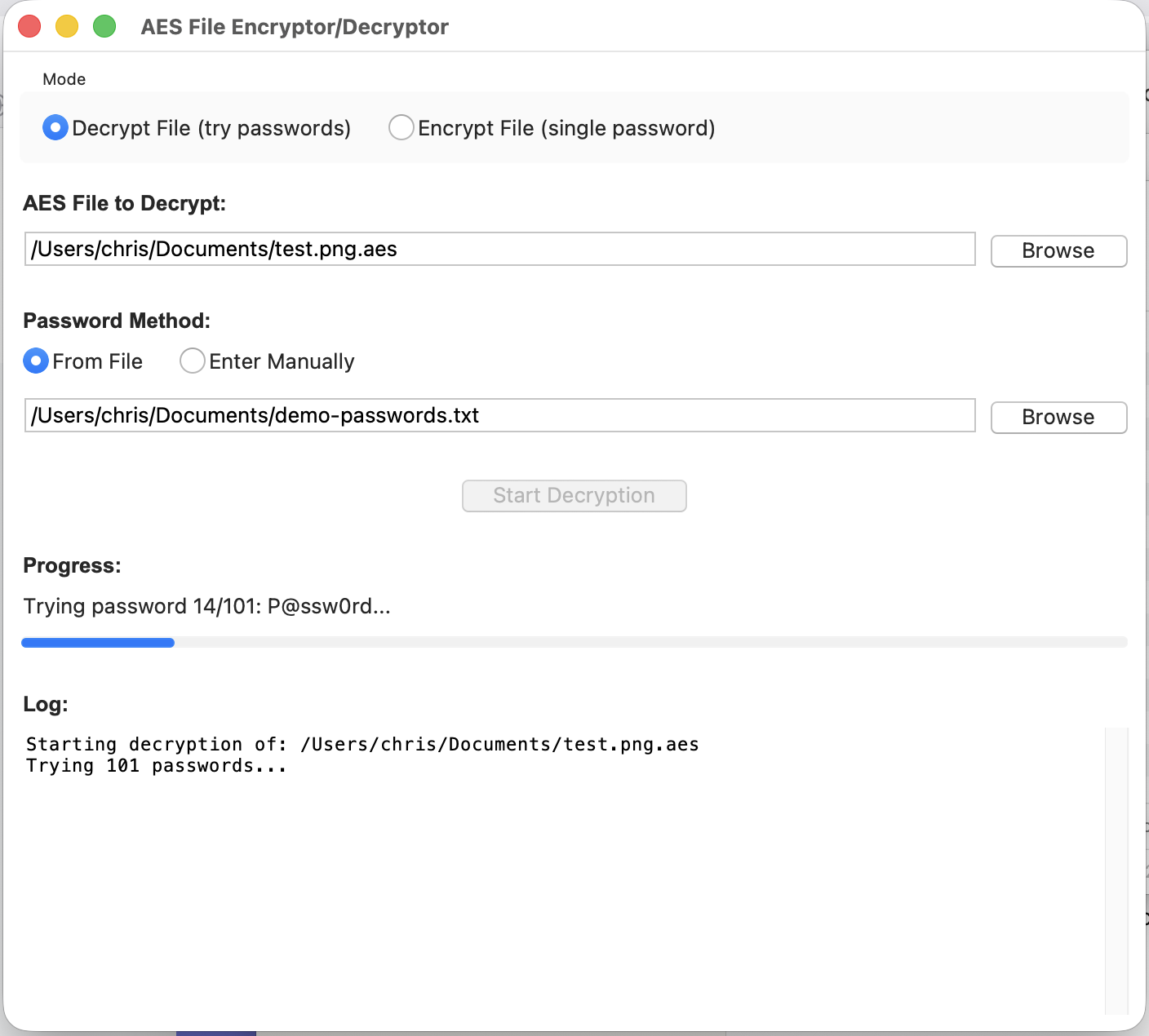
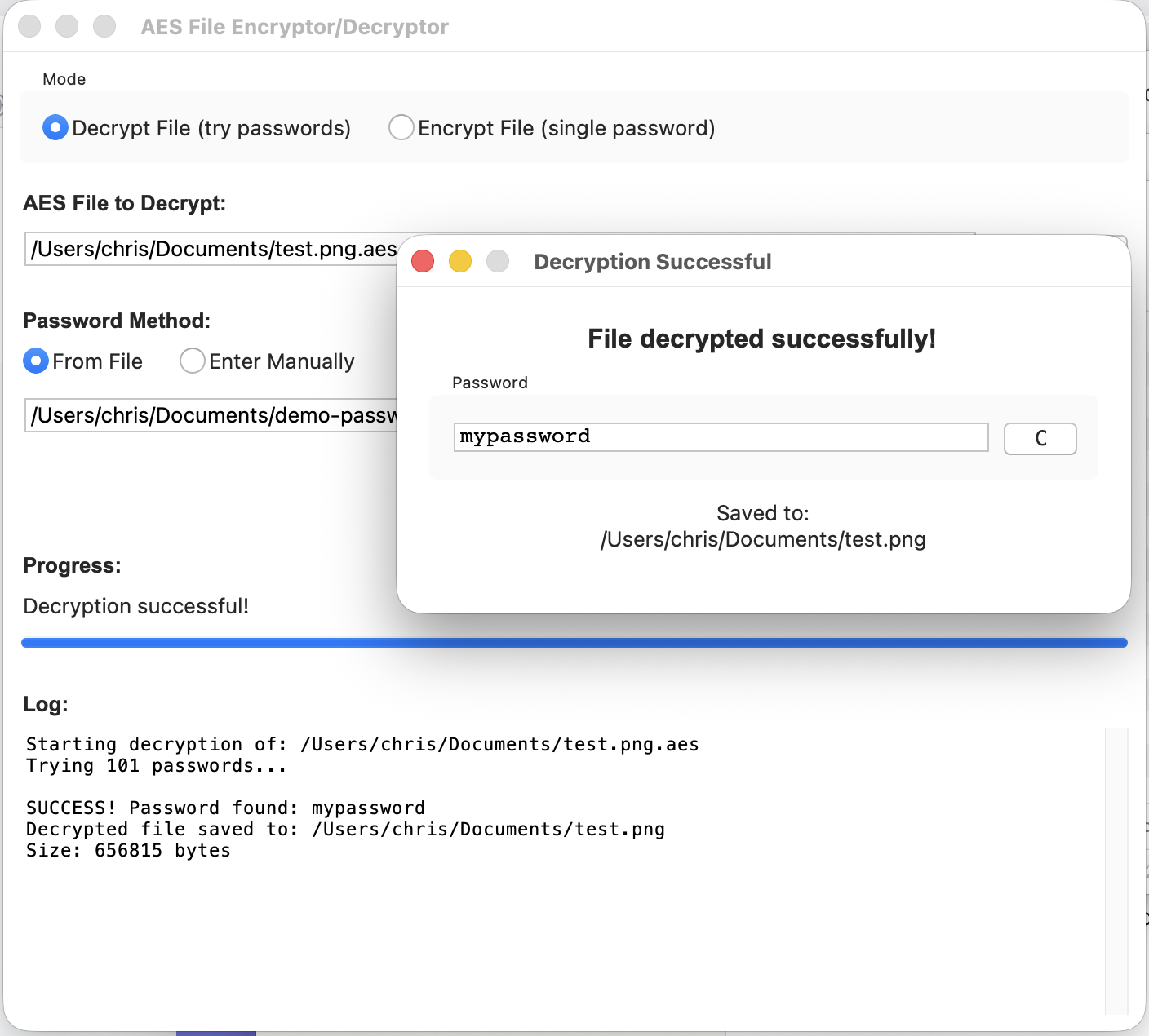
Can't remember which password you used? Import a list of your common passwords and automatically test each one. Saves time when you know it's one of several variations you typically use.
📁
Universal File Support
Encrypt any file type - documents, images, videos, databases, archives. AES Cypher works with all file formats without restrictions.
🚀
Lightning Fast
Optimized encryption engine processes files quickly while maintaining maximum security. No waiting around for your files to be protected.
🎨
Clean Interface
Beautiful, intuitive Mac-native interface. No technical knowledge required - just select your file, enter a password, and click encrypt or decrypt.